Before and after clips for Instagram and TikTok
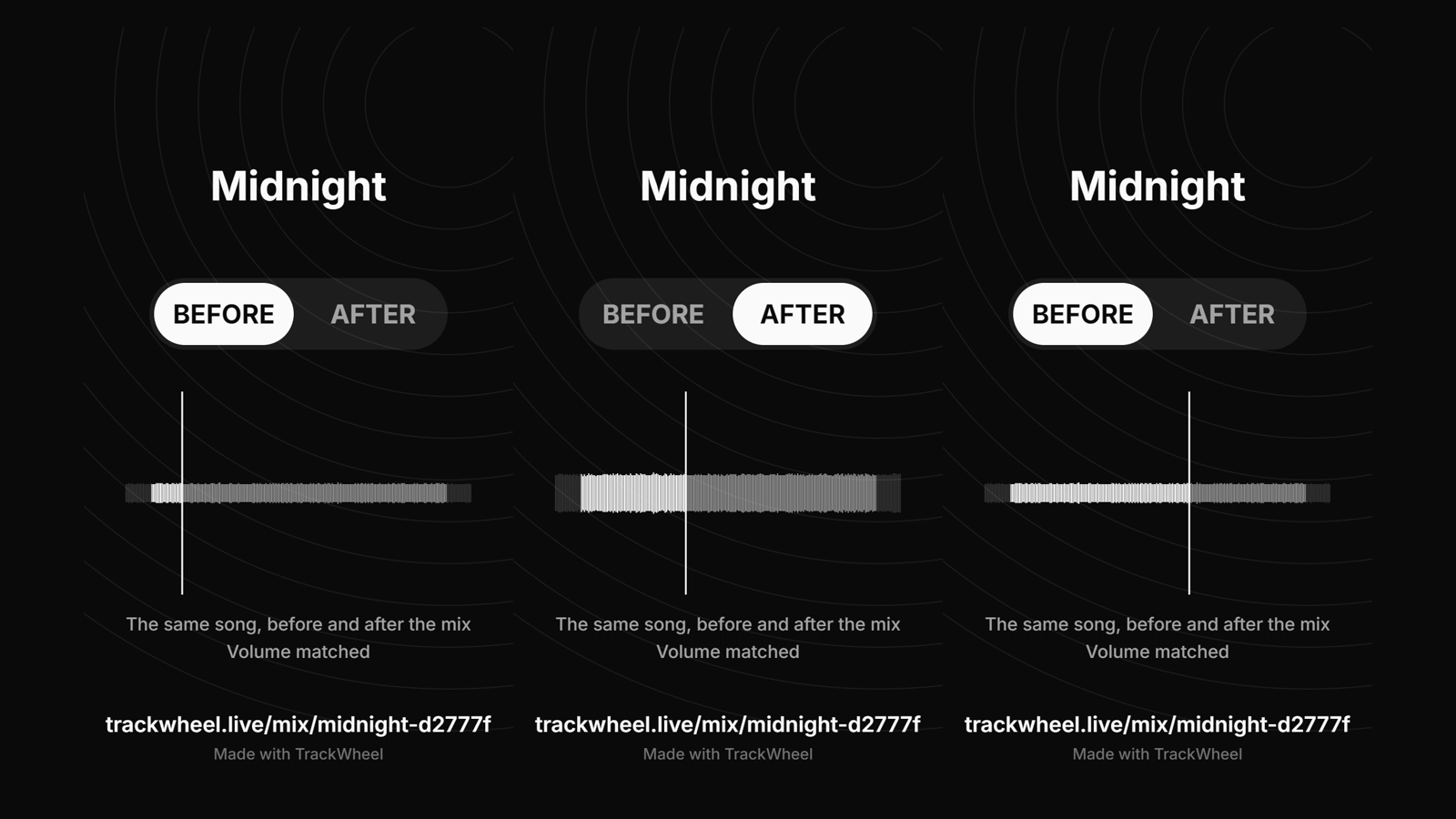
Open a MixCompare song in the editor and press “Make a clip”. Choose 12, 16 or 24 seconds and a start point. The same stretch plays four times, raw, mixed, raw, mixed, over a Before / After switch, the waveform and your link.
The louder version is brought down to the level of the quieter, so the clip shows the mix and not the volume. Nothing is uploaded: it's recorded in your browser as a vertical 720 × 1280 video.
Chrome and Edge give you an .mp4. Other browsers save a .webm that needs converting first.