Your best tracks.One link.
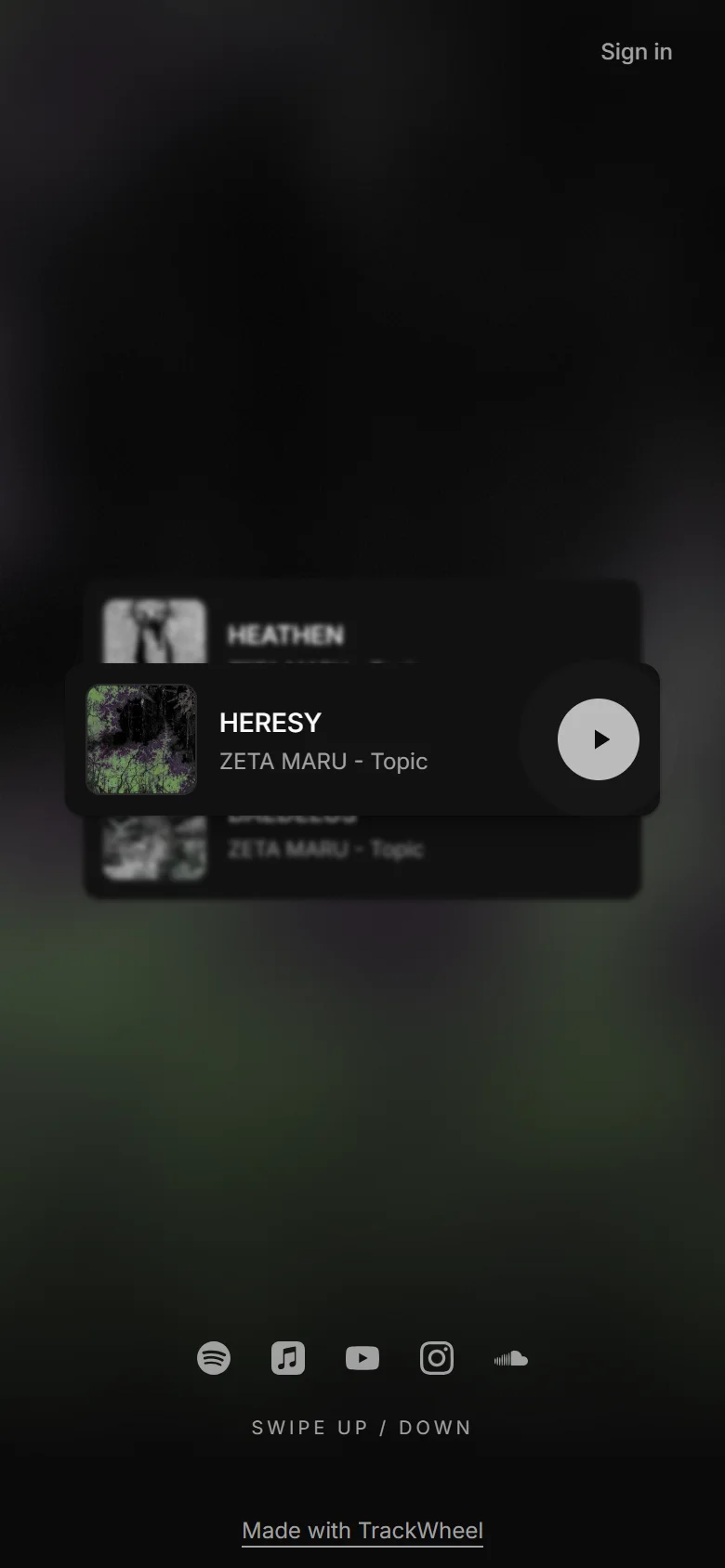
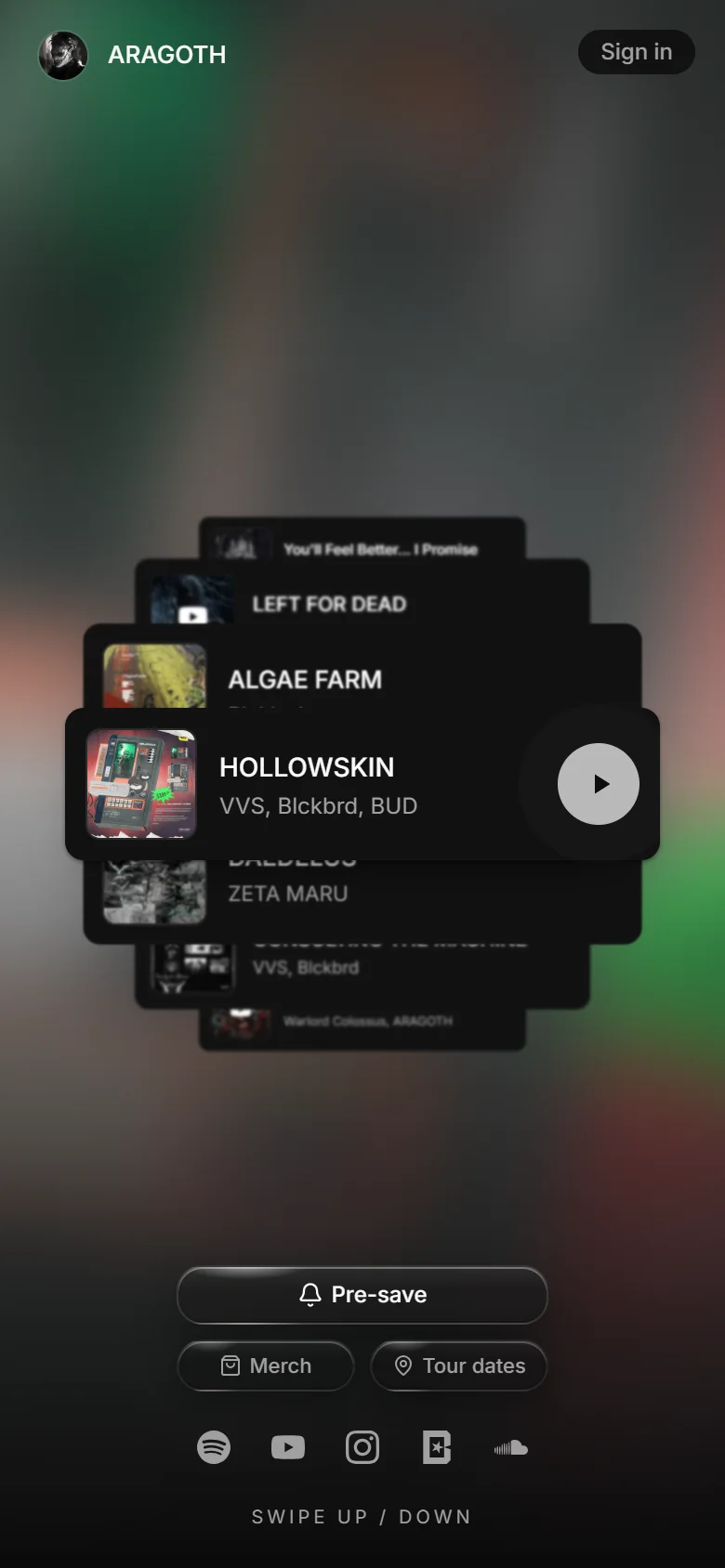
Paste links to your songs and get one page for your bio. Visitors scroll your tracks as a stack of cards and hear a preview of each.
New: a plug-in for producers
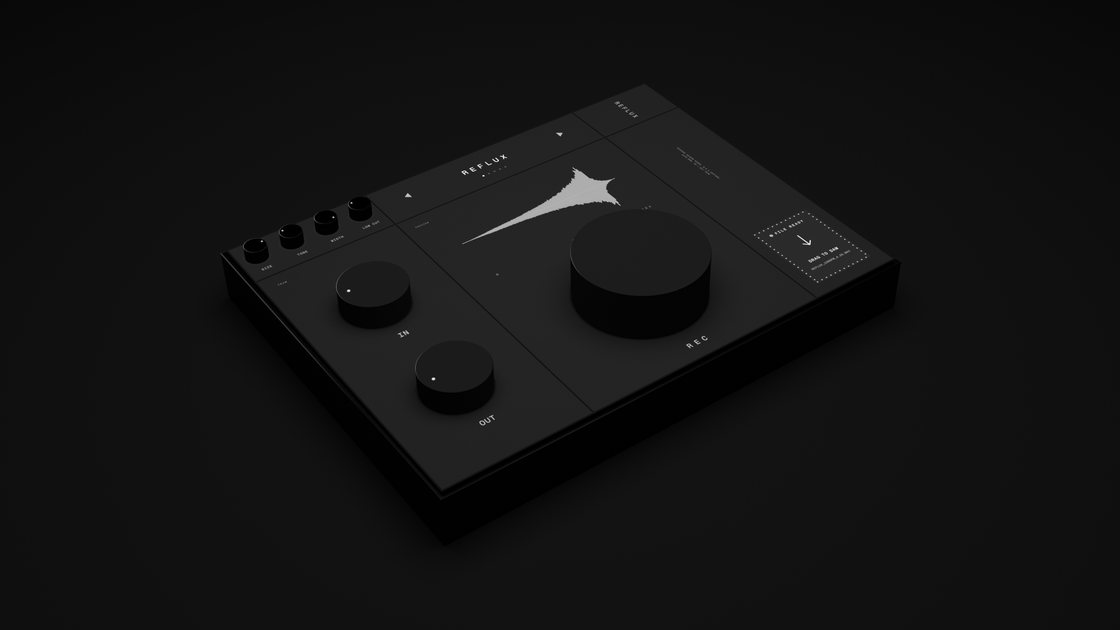
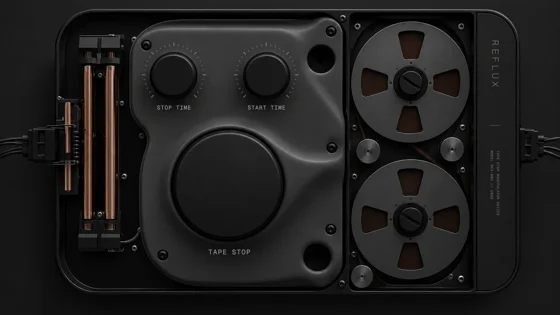
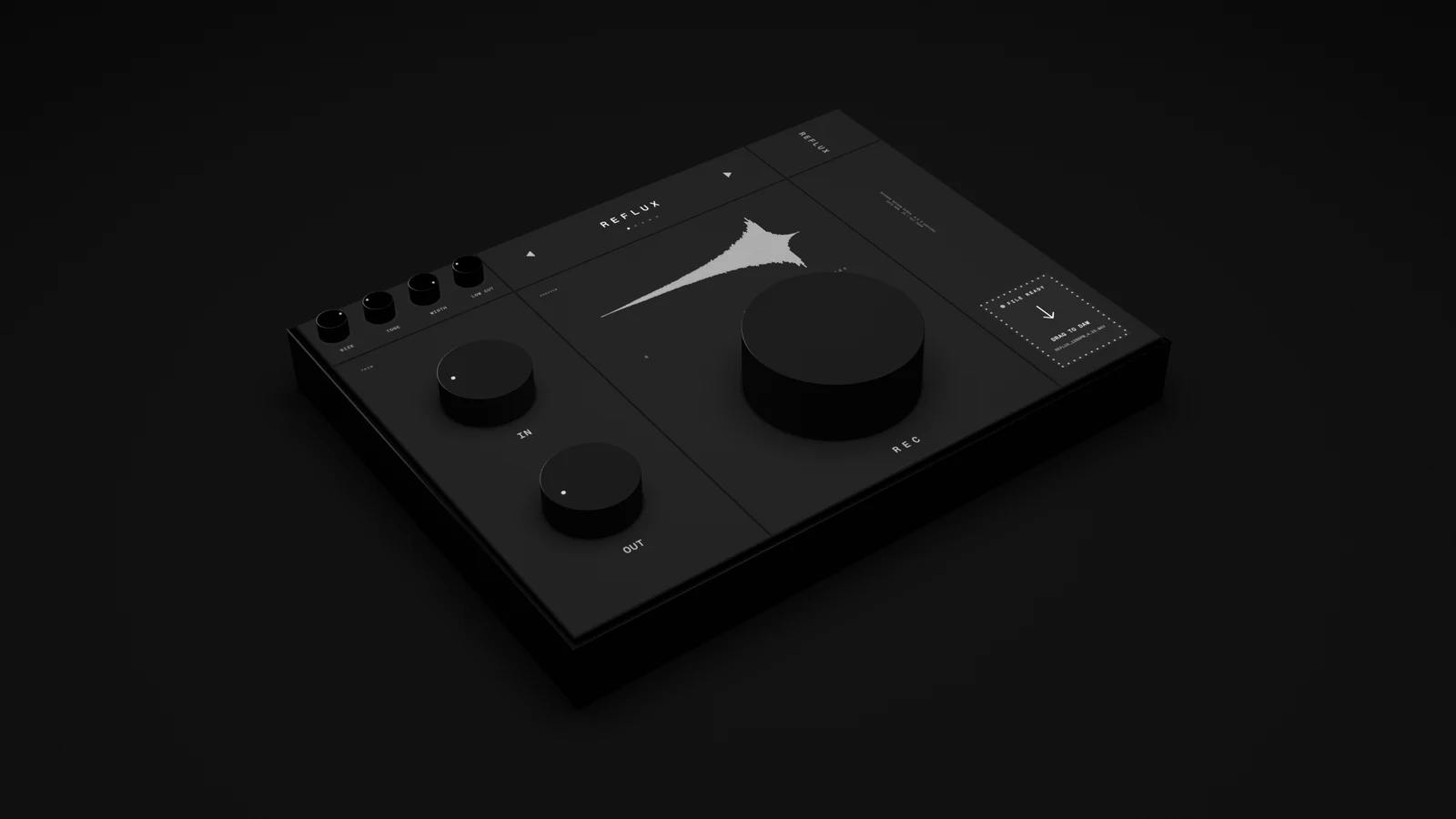
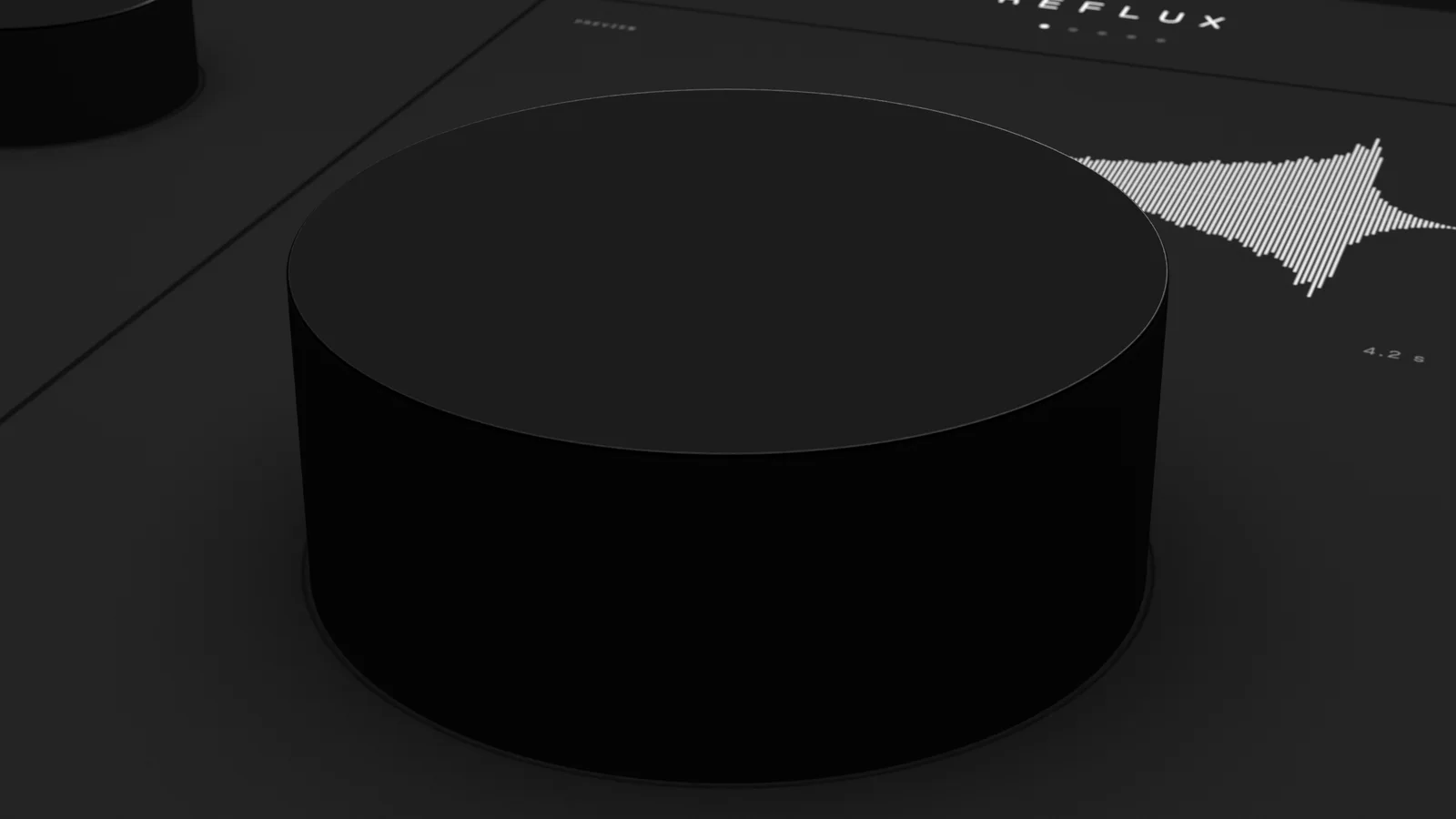
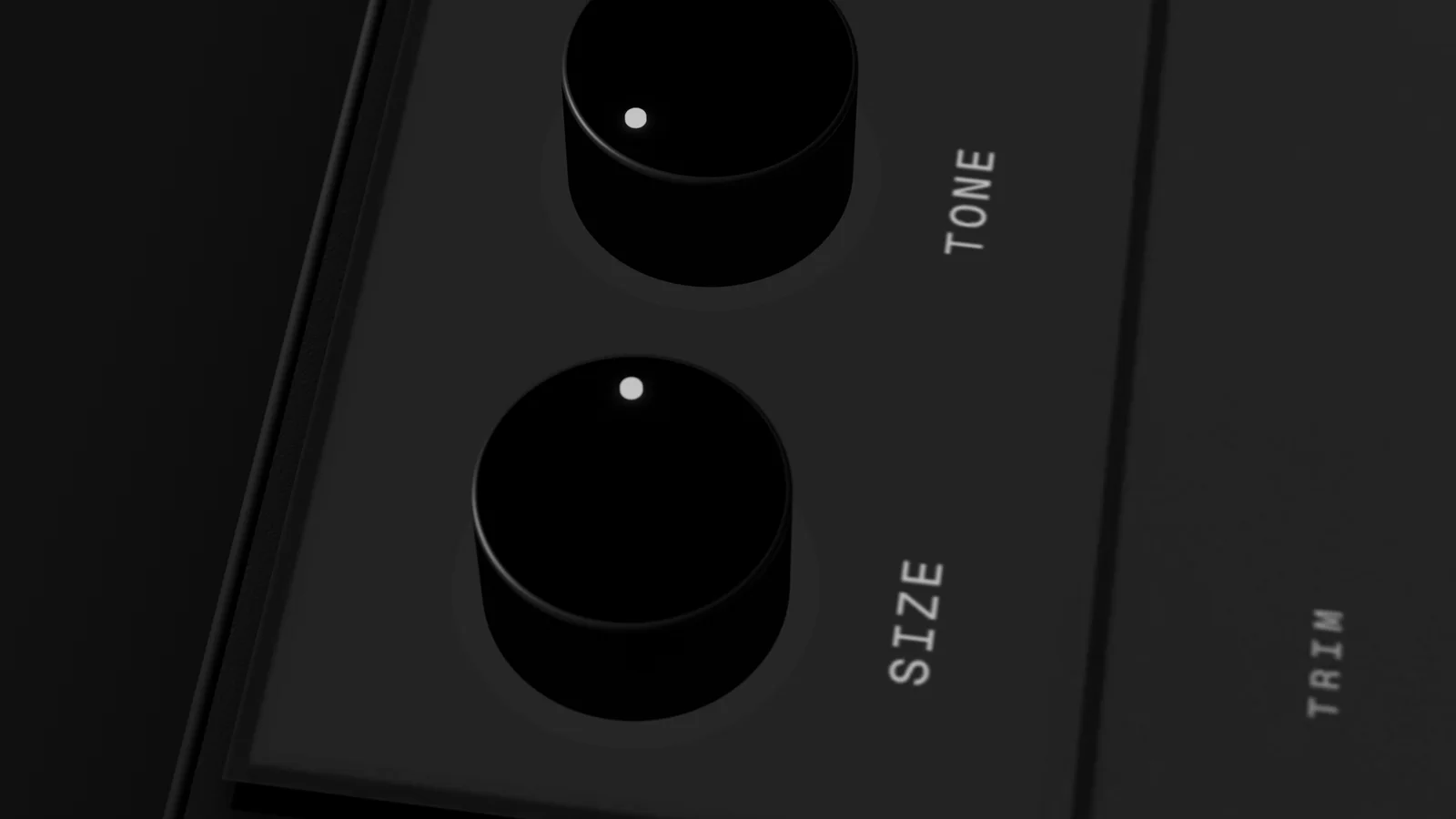
Record half a second of any sound and Reflux builds the reverb that swells up into it. A plug-in with five reverb styles.
Your best tracks on one page. Paste the links you already have.
Spotify, Apple Music, YouTube or SoundCloud. Cover, title and artist fill in on their own.
The background follows the cover of whatever is playing. Free on every plan.
Socials, merch, tour dates, pre-save. On Pro you also get trackwheel.live/yourname.
Views, plays and clicks for the page and each track. Pro.
A countdown and pre-save that turn into your listening links on release day. Free.
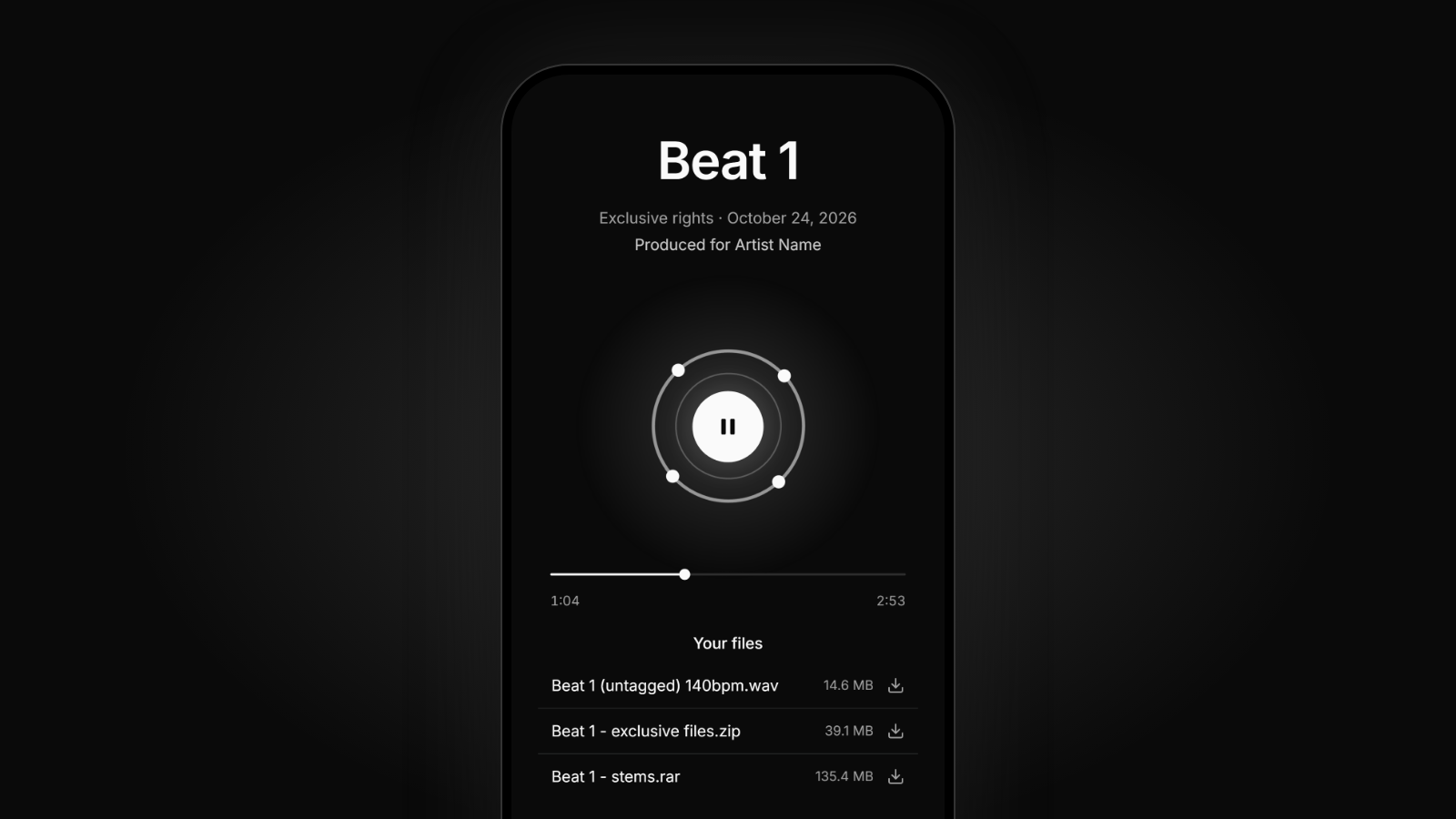
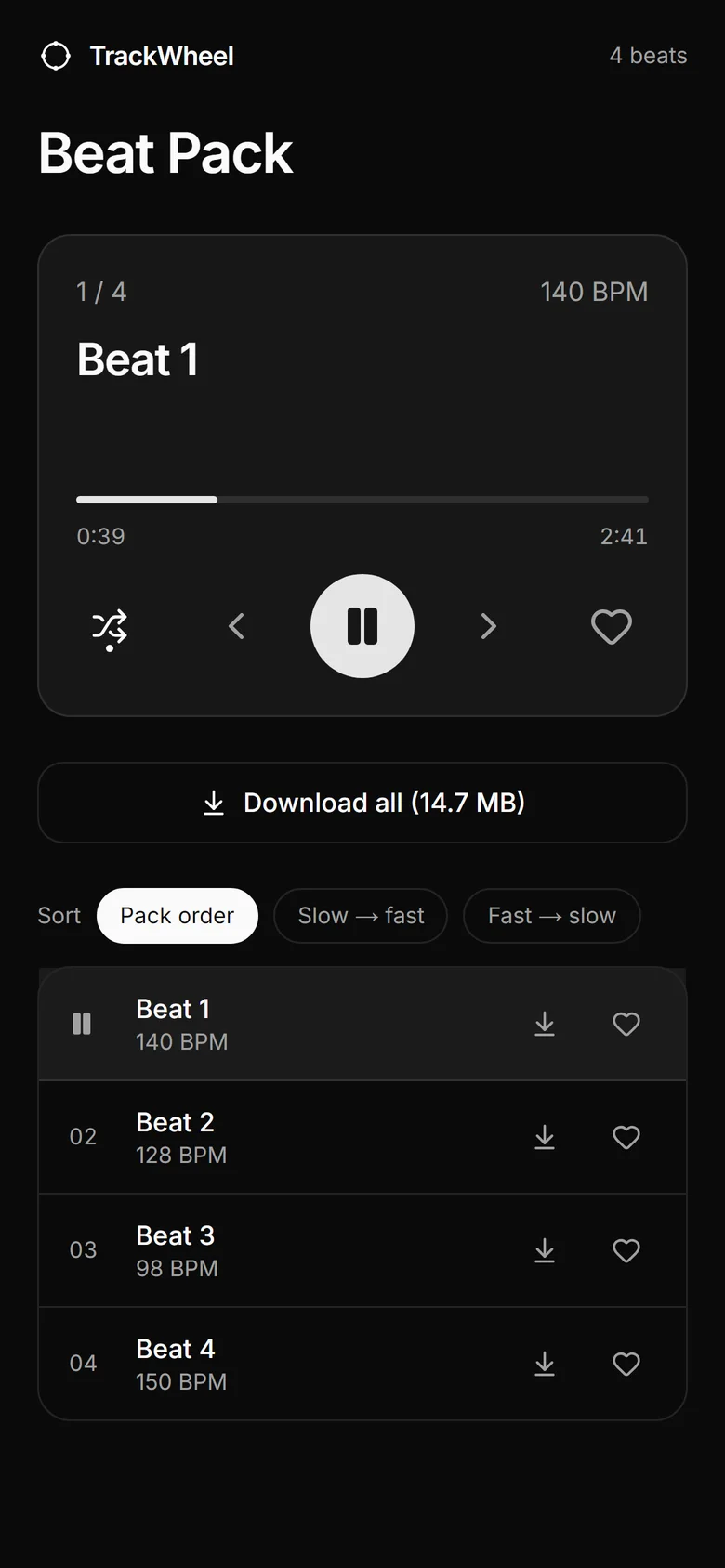
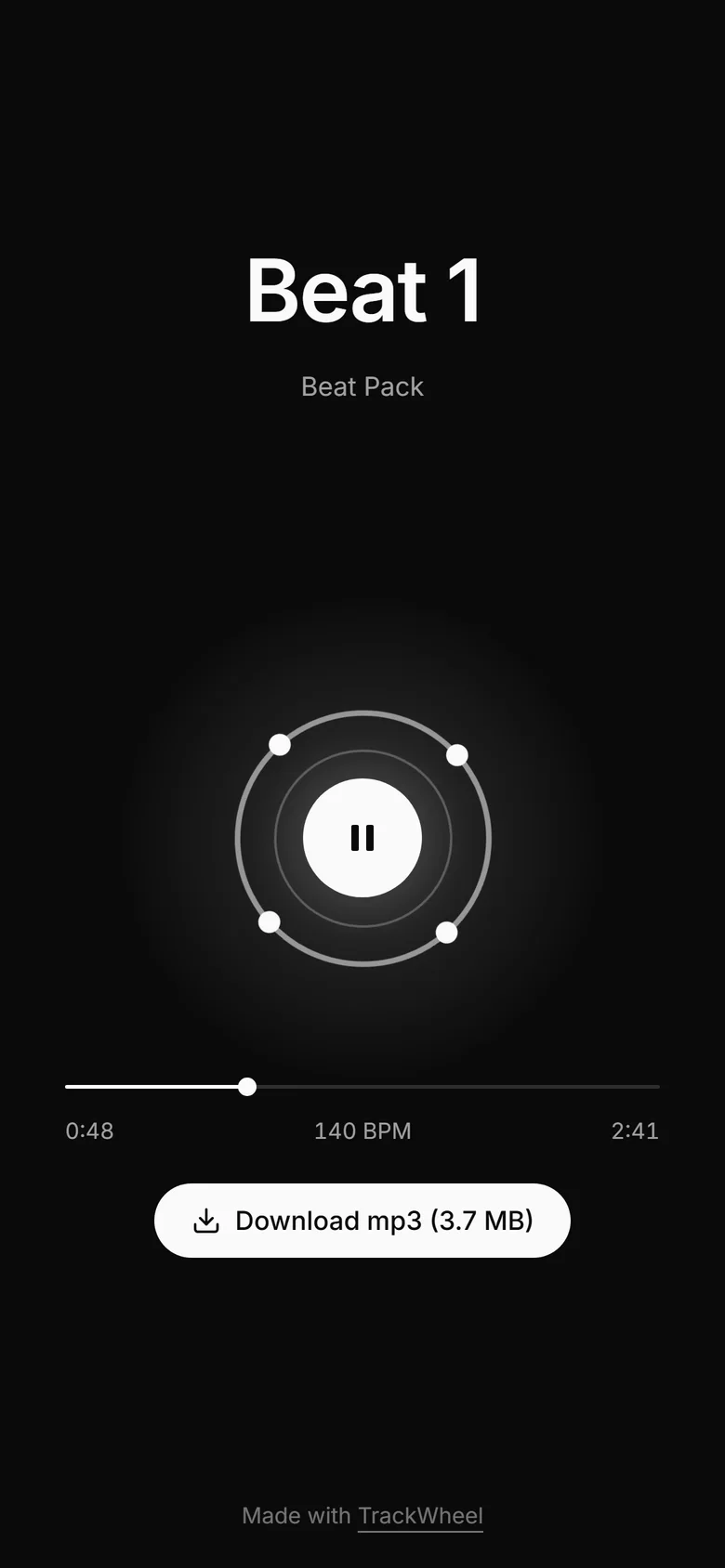
Send a beat, not a zip. A BeatPack is a page with your beats; a BeatPage is the same for a single beat.
Drop your mp3s. Title, BPM and key fill in, and you can change them.
A page with just that beat, a player and a download button.
Artists shuffle, sort by tempo, filter by key, heart favorites and download.
Listens, hearts and downloads for every beat.
Pro: up to 10 packs and 500 MB. Files are deleted after 10 days.
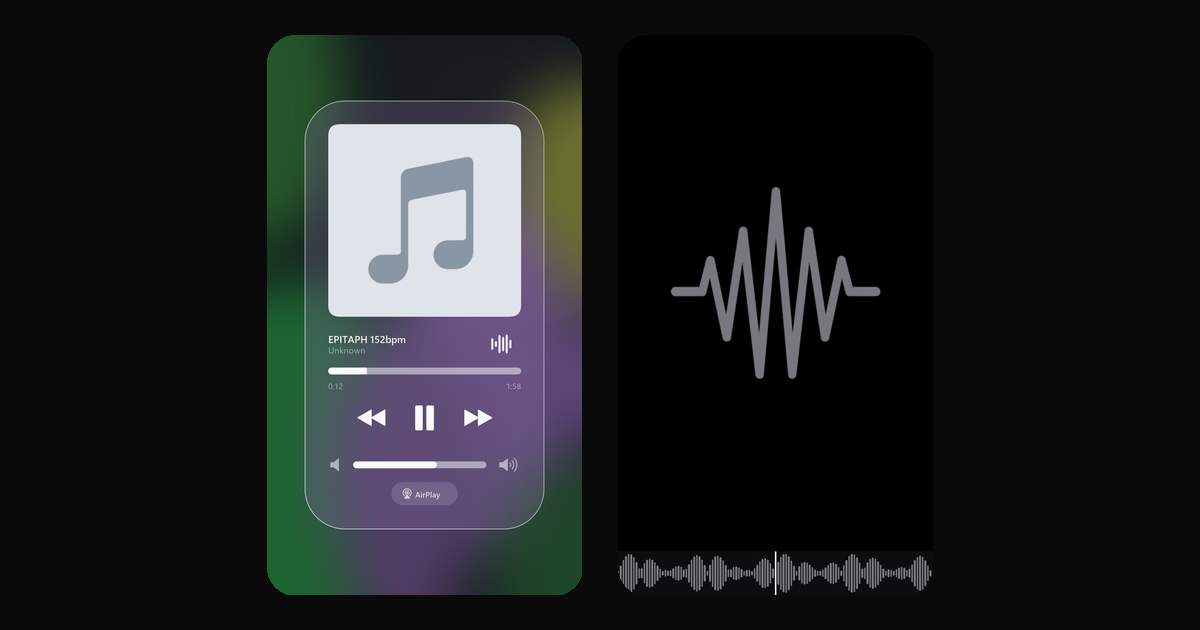
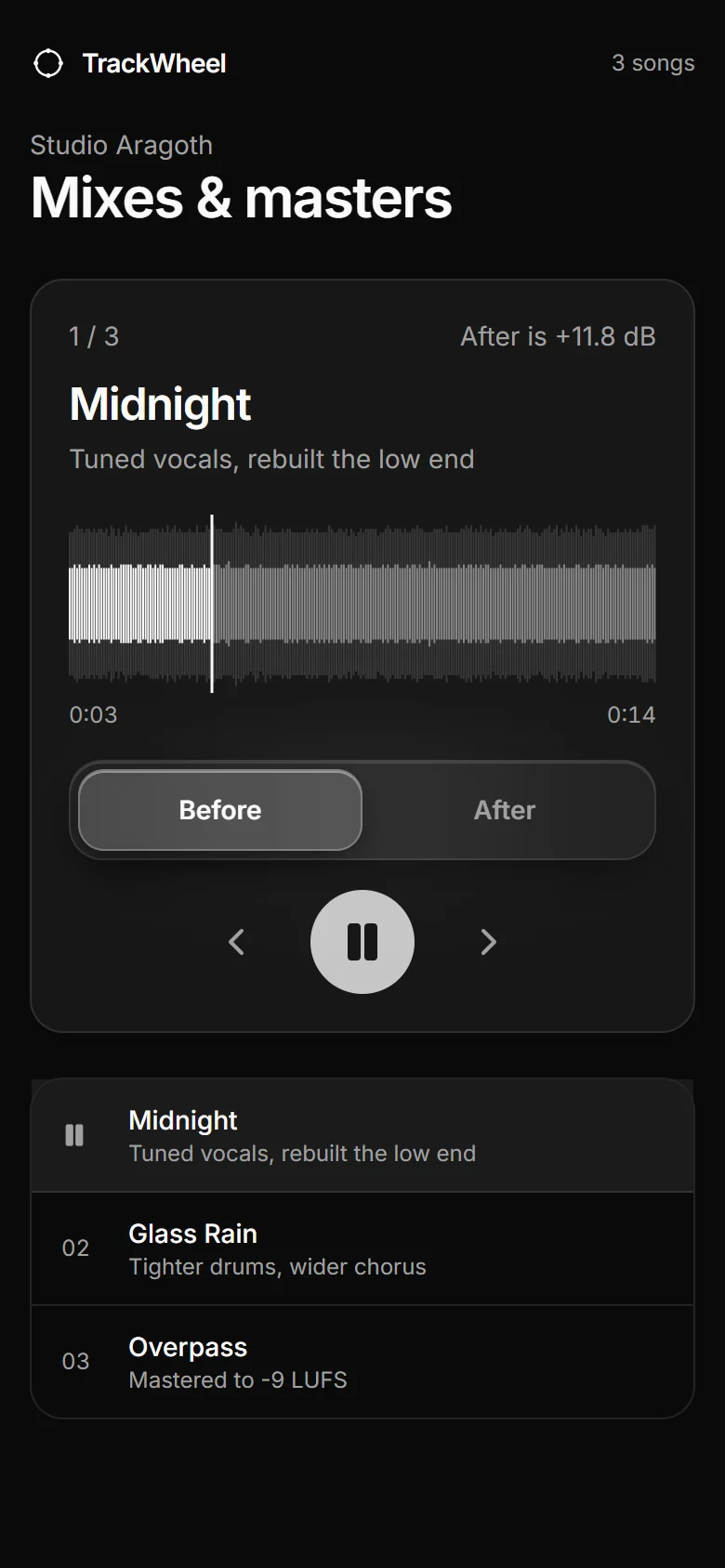
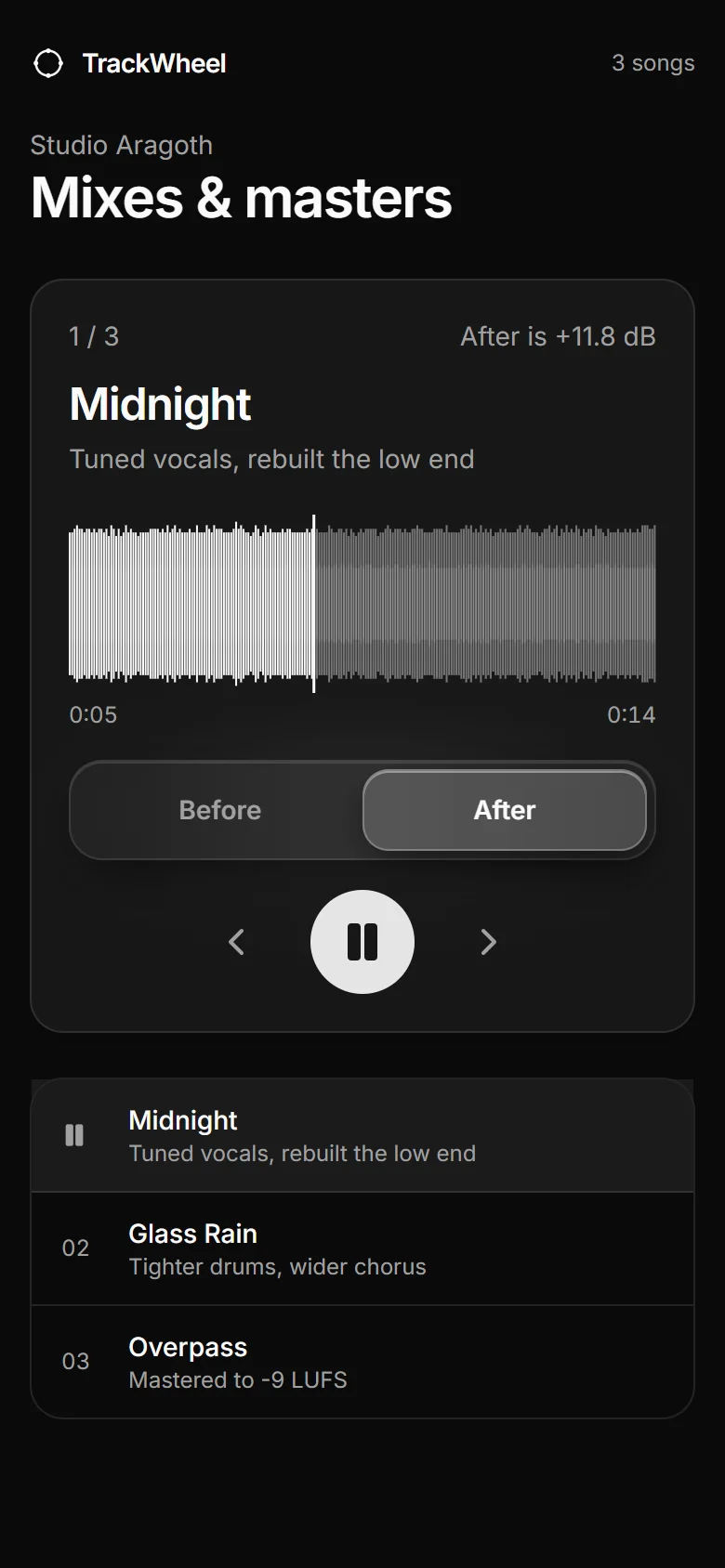
Show a client what you did. MixCompare puts the raw song and your mix on one page, with a switch between them.
Your client gets Before and After buttons and flips between them on the same second.
The louder one is brought down to the quieter, so they hear the mix and not the volume.
Name files “Song_RAW.mp3” and “Song_FINAL.mp3”, drop both, done.
“0:12, vocal is too loud.” You reply with the fix. They approve the version.
A vertical before-and-after video in a click. Files are kept for 10 days.
Pro: up to 10 pages, 12 songs each, 500 MB.
Free for up to 3 tracks. Pro is $7 a month.