Review room: notes on the exact second
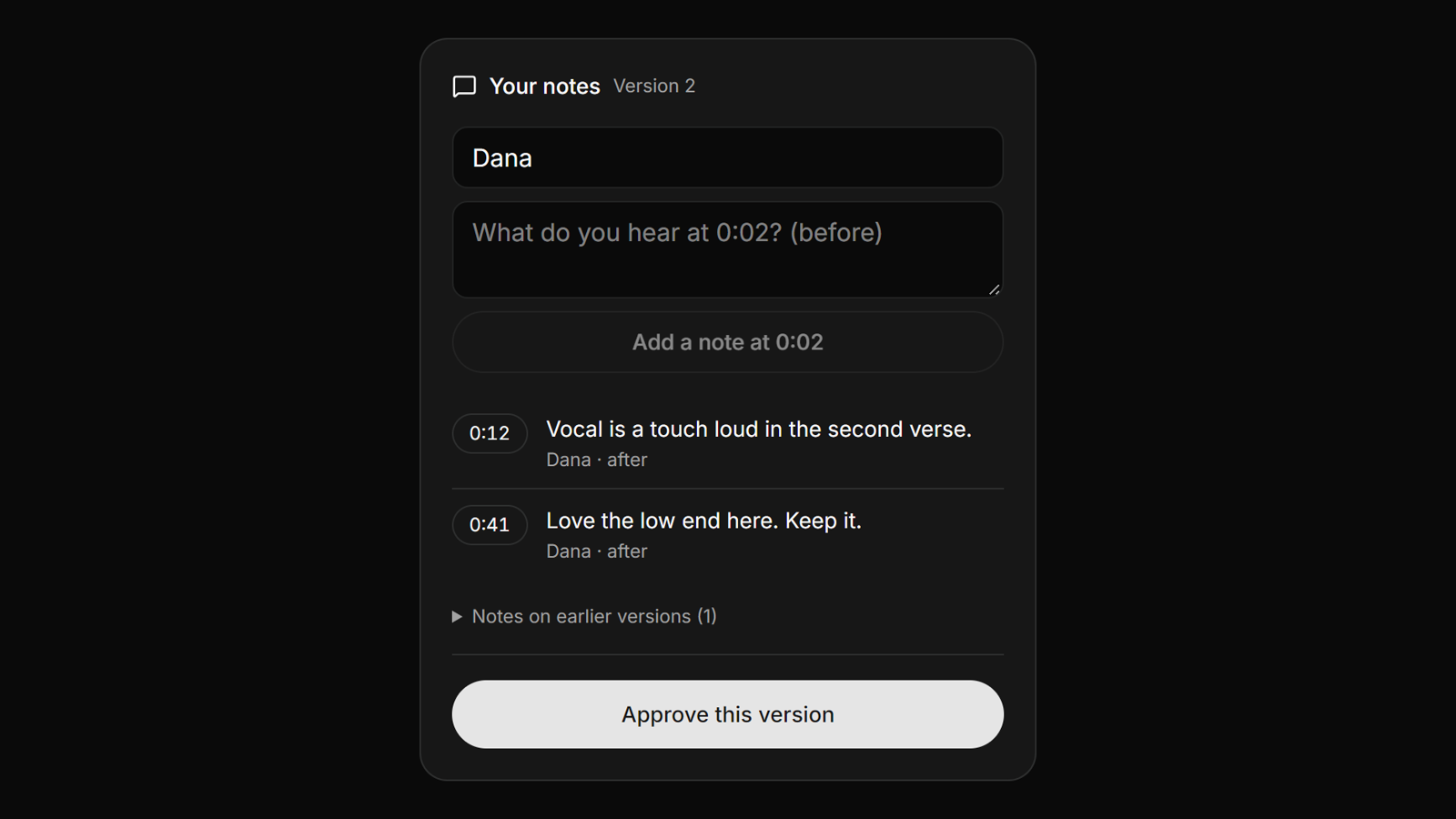
Your client listens, pauses where something bugs them and writes: “0:12, vocal is a touch loud”. The note is pinned to that second and to the side they heard, Before or After.
You reply on the same second
In your editor, notes are listed in time order. Tick one off and add a line about the fix: “Lowered the vocal by 1.5 dB in the second verse”. The client sees it under their note.
Versions and approval
A new mix on the After side becomes Version 2, and older notes fold away. The client presses “Approve this version” and signs with a name. You can withdraw the approval when a new round starts.
You get an email when a client comments or approves, never more often than every 15 minutes. Turn it off in the page details if you prefer. The review room is part of MixCompare, so it comes with Pro.